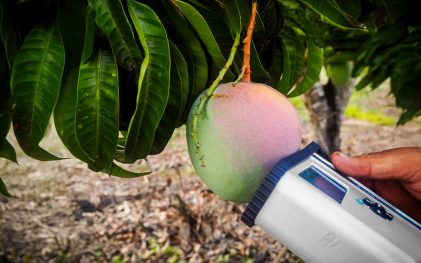
Integrating F-751 Readings into ERP Systems for Real-Time Decision Making
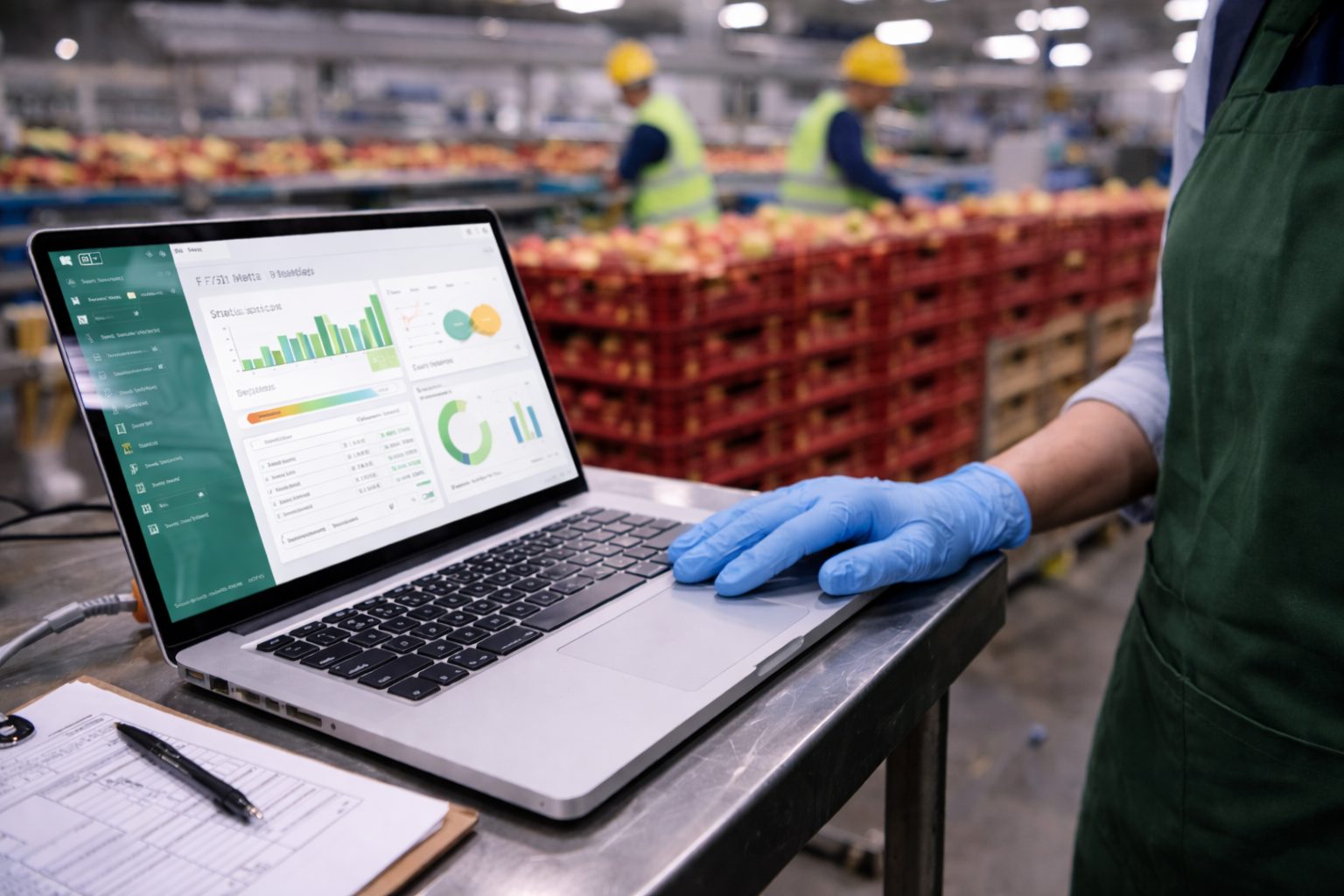

Scott Trimble

February 5, 2026 at 7:51 pm | Updated February 5, 2026 at 7:51 pm | 5 min read
If you are already collecting maturity and internal quality data with a handheld NIR meter, the next step is getting it out of the instrument and into the systems that run the business. That is where F-751 ERP integration pays off.
When F-751 readings flow into your ERP in near real time, quality stops being a spreadsheet afterthought and starts driving decisions on harvest timing, intake triage, inventory routing, pack plans, and customer allocations.
The F-751 line is built for rapid, non-destructive internal quality checks using near-infrared (NIR) spectroscopy, with models focused on practical traits like dry matter and Brix for specific crops. The workflow is fast enough for field sampling and receiving inspections, and the data is digital from the start.
Subscribe to receive our monthly round-up of articles.
Several Felix meters support WiFi data transfer, SD card storage, and workflows tied to FruitMaps for mapping and visualization
Why ERP-Connected Quality Data Changes Outcomes?
Most organizations still treat maturity as a periodic report. Meanwhile, operations are making hourly calls:
-
Which blocks get picked first
-
Which lots go to long storage vs fast turn
-
Which suppliers get accepted, reworked, or rejected
-
Which customers get premium vs standard packs
The difference between “quality data exists” and “quality data is actionable” is integration. With F-751 ERP integration, the ERP can react to measured internal traits instead of proxies like color, size, or days-from-flowering.
This matters because non-destructive internal measurements let you test more fruit without destroying product or waiting on lab turnaround. That volume is what makes the data stable enough to automate decisions, not just inform them.
What Data You Should Capture From the F-751 for ERP Use?
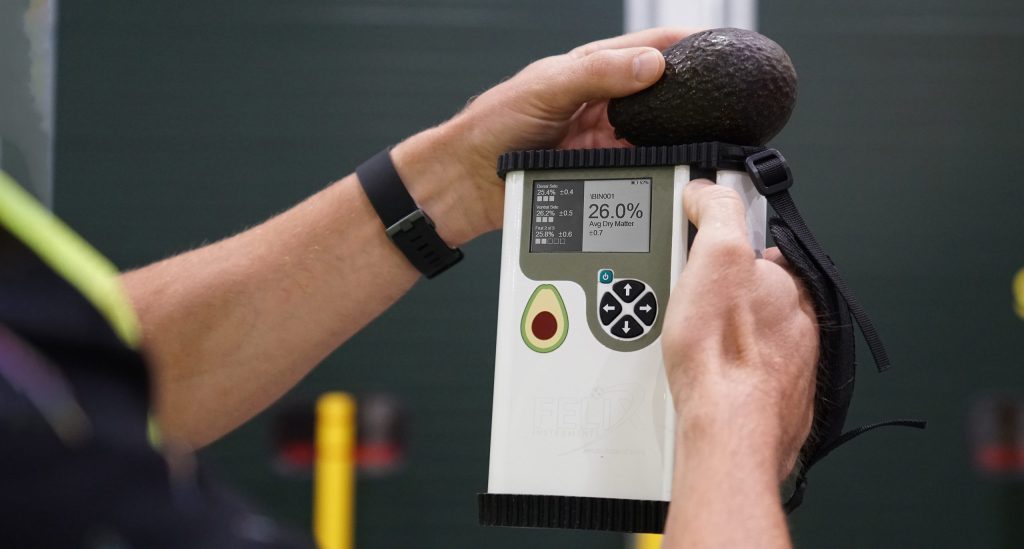
To make F-751 readings ERP-ready, think in terms of traceability, context, and aggregation. The raw predicted value is only part of the story.
At minimum, capture:
-
Predicted trait values (for example dry matter, Brix where applicable)
-
Timestamp
-
Operator and device ID
-
Location context (orchard block, receiving door, ripening room, QC station)
-
Lot identifier (grower lot, harvest batch, pallet ID, bin tag)
-
Commodity and variety model used
Felix’s produce quality meters emphasize painless data storage and transfer via WiFi, USB, or SD card, which makes it practical to move these records into a data pipeline without adding extra manual steps.
Choosing an Integration Pattern
There are three common patterns for F-751 ERP integration. Which one you choose depends on connectivity, how “real time” you need to be, and how mature your ERP integration tooling is.
1) Batch upload from SD card or USB (simple, reliable)
Best when field connectivity is inconsistent or when you only need updates a few times per day.
Typical flow:
-
Techs scan fruit and store records locally.
-
At shift end, export files from SD card or via USB.
-
A small importer script maps readings to your ERP lot records.
-
ERP updates lot attributes and triggers rules.
This is the easiest path to value because it minimizes change management. It also gives you a clean audit trail for QA.
2) WiFi transfer to a PC or shared folder (near real time in facilities)
Best for packhouses, DCs, ripening rooms, and labs where WiFi is stable.
Typical flow:
-
Instrument connects to facility WiFi.
-
Readings sync automatically or on a schedule.
-
Middleware watches an inbound folder or endpoint and posts to ERP.
Felix highlights WiFi connectivity for easy transfer and later analysis on F-751 product pages, and the same connectivity concept supports facility-grade automation.
3) Cloud-first workflow using FruitMaps (best for distributed operations)
Best when you want orchard-level visibility, multiple sites, or remote stakeholders.
Typical flow:
-
Field teams collect scans.
-
Data uploads via WiFi to a cloud view (FruitMaps).
-
ERP consumes the data through scheduled exports or an integration service.
FruitMaps is positioned as a way to visualize crop maturity and monitor orchards in real time, which aligns naturally with ERP-driven planning and procurement.
Data Modeling in the ERP: Make the Numbers Usable
Once readings arrive, the ERP needs a structure that supports both traceability and decisions.
Recommended ERP objects:
-
Quality inspection record (one row per scan or per sample set)
-
Lot quality summary (rolling averages, standard deviation, sample count)
-
Decision status fields (harvest-ready, hold, divert, recheck)
-
Confidence controls (minimum sample count before automation triggers)
Practical tip: decisions should run on sample sets, not single scans. Use business rules like “minimum 20 fruit per block” or “minimum 10 cartons per incoming lot” before promoting a lot-level quality status.
Real-Time Decision Rules You Can Automate
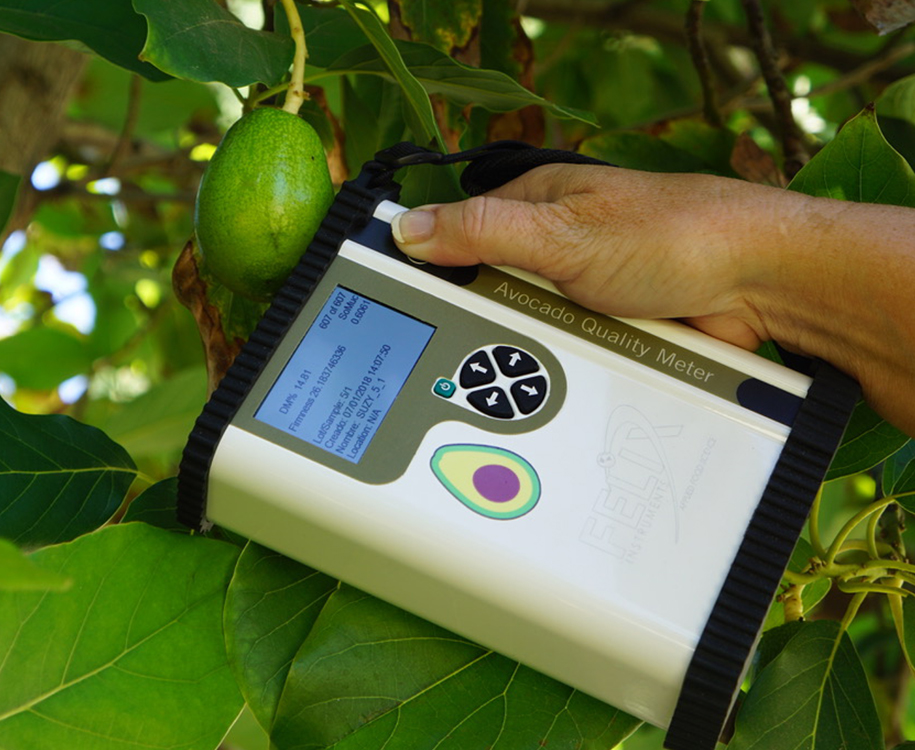
Here are ERP rules that become realistic once F-751 readings are integrated:
-
Harvest scheduling: prioritize blocks above a dry matter threshold and de-prioritize blocks that are close but not there yet.
-
Receiving triage: if an inbound lot average is below spec, auto-route to a different program or trigger a vendor claim workflow.
-
Storage routing: lots with stronger maturity signals go to shorter storage, borderline lots go to controlled programs or immediate pack.
-
Customer allocation: allocate higher internal quality lots to premium customers automatically.
-
Trend alerts: if a supplier’s rolling averages drift, trigger corrective action requests before a customer complaint happens.
Compared to competitor workflows that depend on destructive sampling, slower lab testing, or generic handheld tools that do not scale to high sampling rates, this integration approach is simply more operational. It makes it feasible to measure more often and act faster, without turning QA into a bottleneck.
Implementation Checklist for F-751 ERP Integration
Use this checklist to keep the project tight:
-
Define the trait and unit standards (dry matter percent, Brix, etc.)
-
Standardize lot ID capture at the point of measurement (barcode or typed)
-
Decide your sync method (batch, WiFi, cloud-first)
-
Build a data mapping spec (device fields to ERP tables)
-
Set validation rules (reject missing lot IDs, flag outliers)
-
Create dashboards for sample counts and lot averages
-
Pilot in one commodity and one site, then scale
Also decide early who “owns” the numbers. QA typically owns method and thresholds. Operations owns decisions and exceptions. ERP teams own integrations and uptime. If you align those roles, the system sticks.
Summary
F-751 ERP integration is not just an IT upgrade. It is a way to make internal quality measurable, repeatable, and operational at scale. With digital readings that can move via WiFi, USB, or SD card and with cloud workflows like FruitMaps available for distributed teams, Felix Instruments gives you practical paths to turn scans into decisions.
If you want to connect F-751 readings to your ERP for live lot decisions, reach out to Felix Instruments to talk through the best data flow for your sites and commodities.
Related Products
- F-751 Grape Quality Meter
- Custom Model Building
- F-910 AccuStore
- F-751 Melon Quality Meter
- F-751 Kiwifruit Quality Meter
- F-750 Produce Quality Meter
- F-751 Avocado Quality Meter
- F-751 Mango Quality Meter
- F-9XXDK Dynamic Sampling Kit
- F-900 Portable Ethylene Analyzer
- F-950 Three Gas Analyzer
- F-920 Check It! Gas Analyzer
- F-960 Ripen It! Gas Analyzer
- F-940 Store It! Gas Analyzer
Most Popular Articles
- Spectrophotometry in 2023
- NIR Applications in Agriculture – Everything…
- The Importance of Food Quality Testing
- The 5 Most Important Parameters in Produce Quality Control
- Melon Fruit: Quality, Production & Physiology
- Fruit Respiration Impact on Fruit Quality
- Guide to Fresh Fruit Quality Control
- Liquid Spectrophotometry & Food Industry Applications
- Ethylene (C2H4) – Ripening, Crops & Agriculture
- Understanding Chemometrics for NIR Spectroscopy
Related Reading